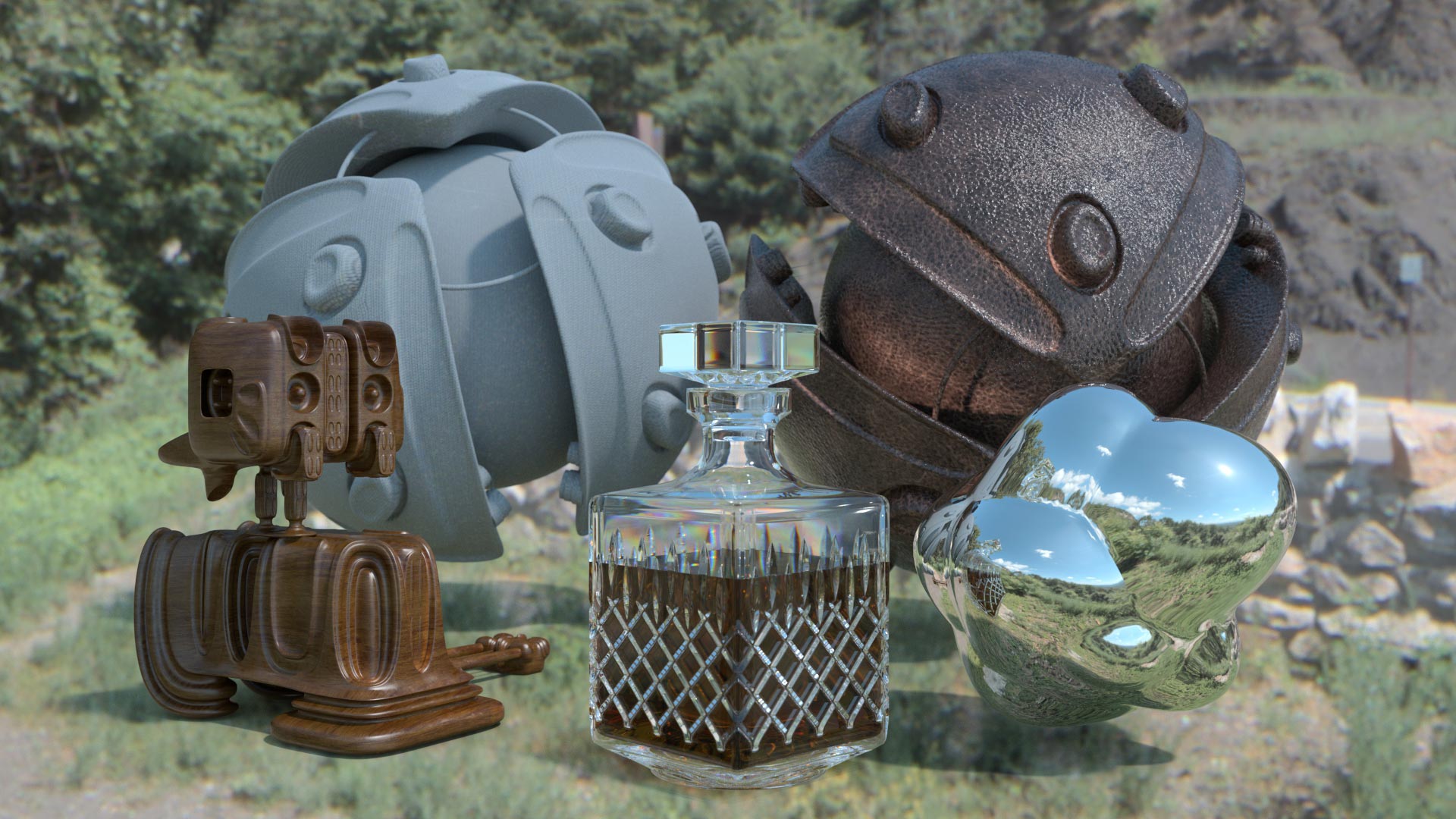
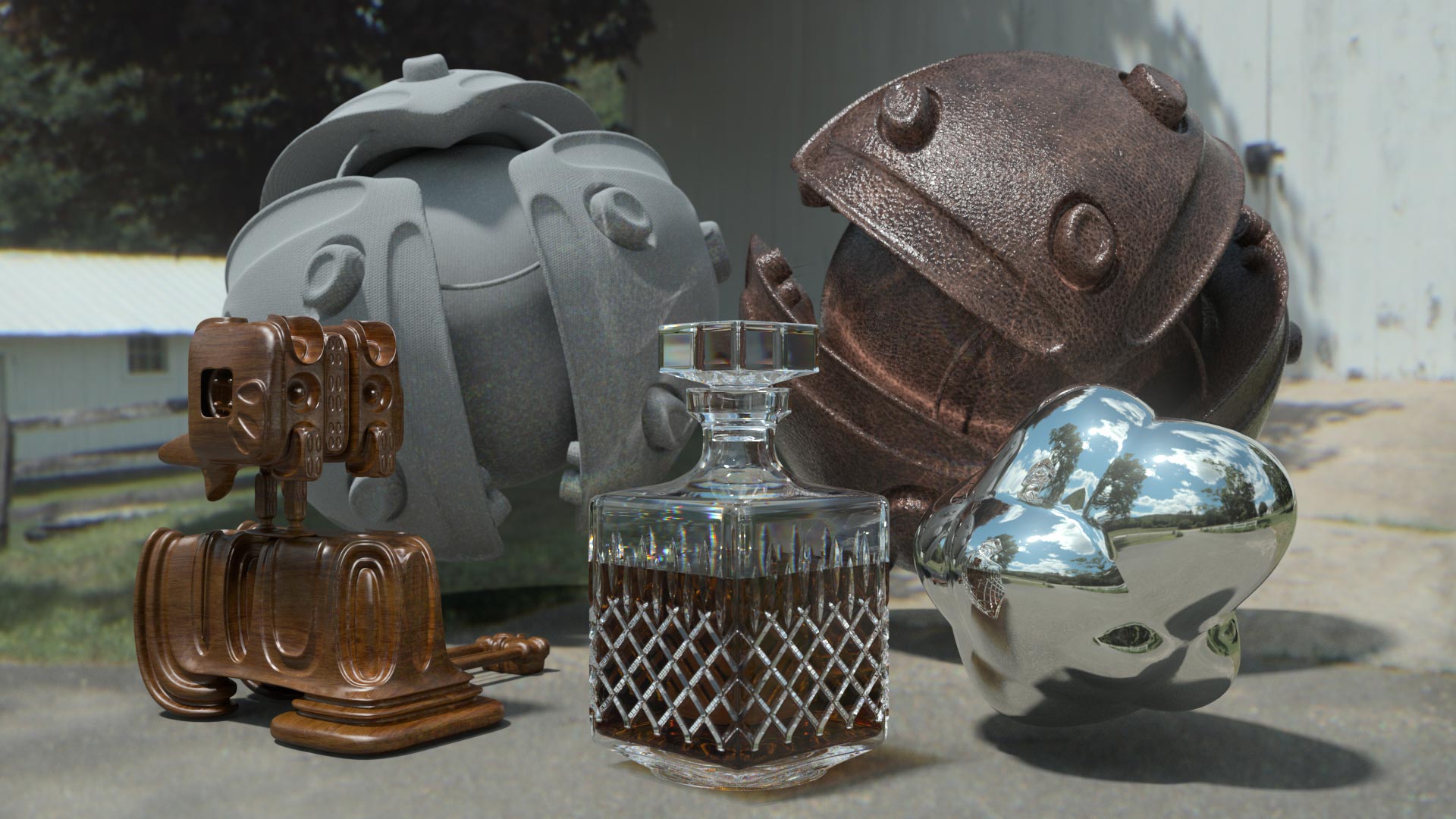
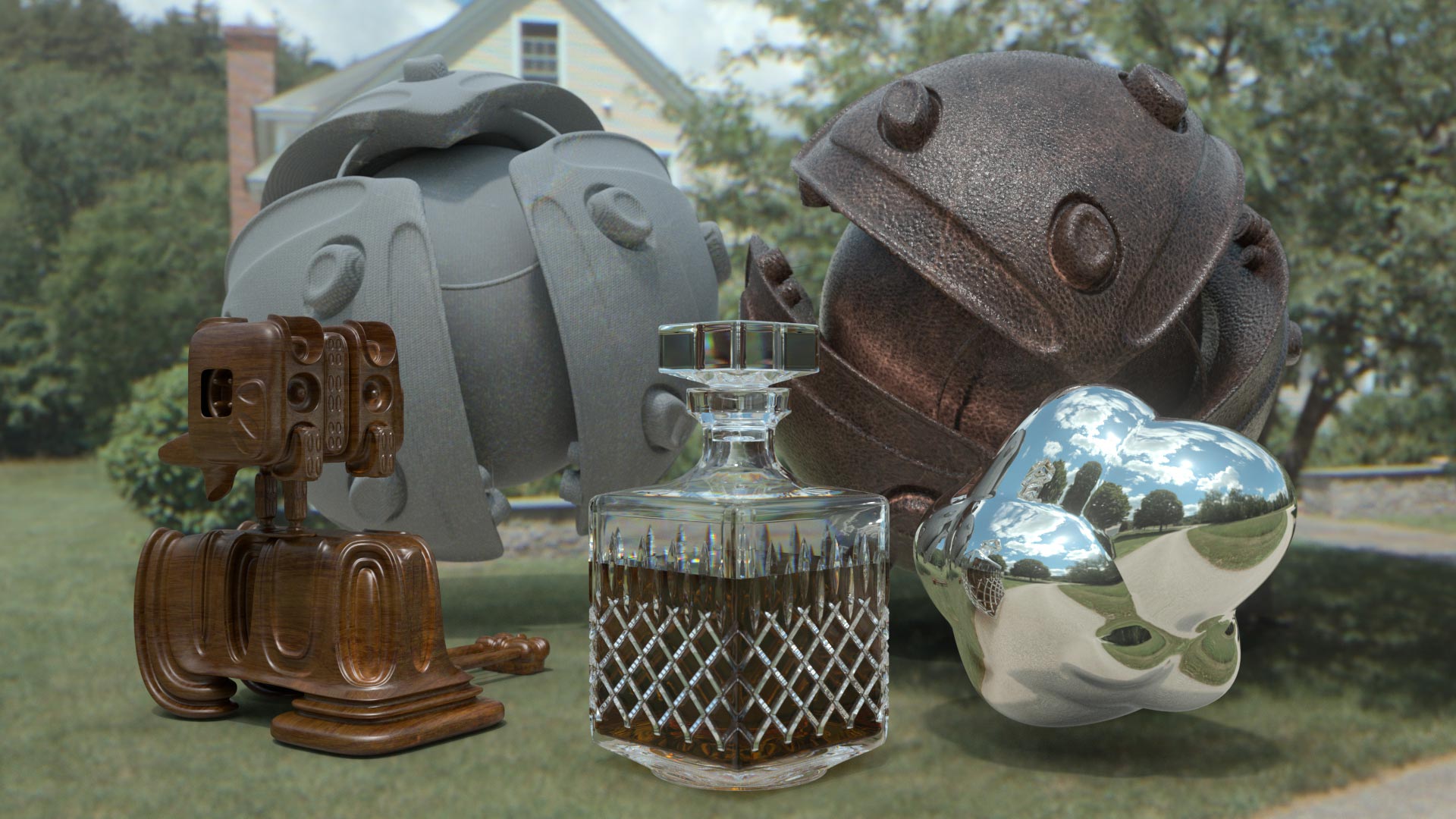
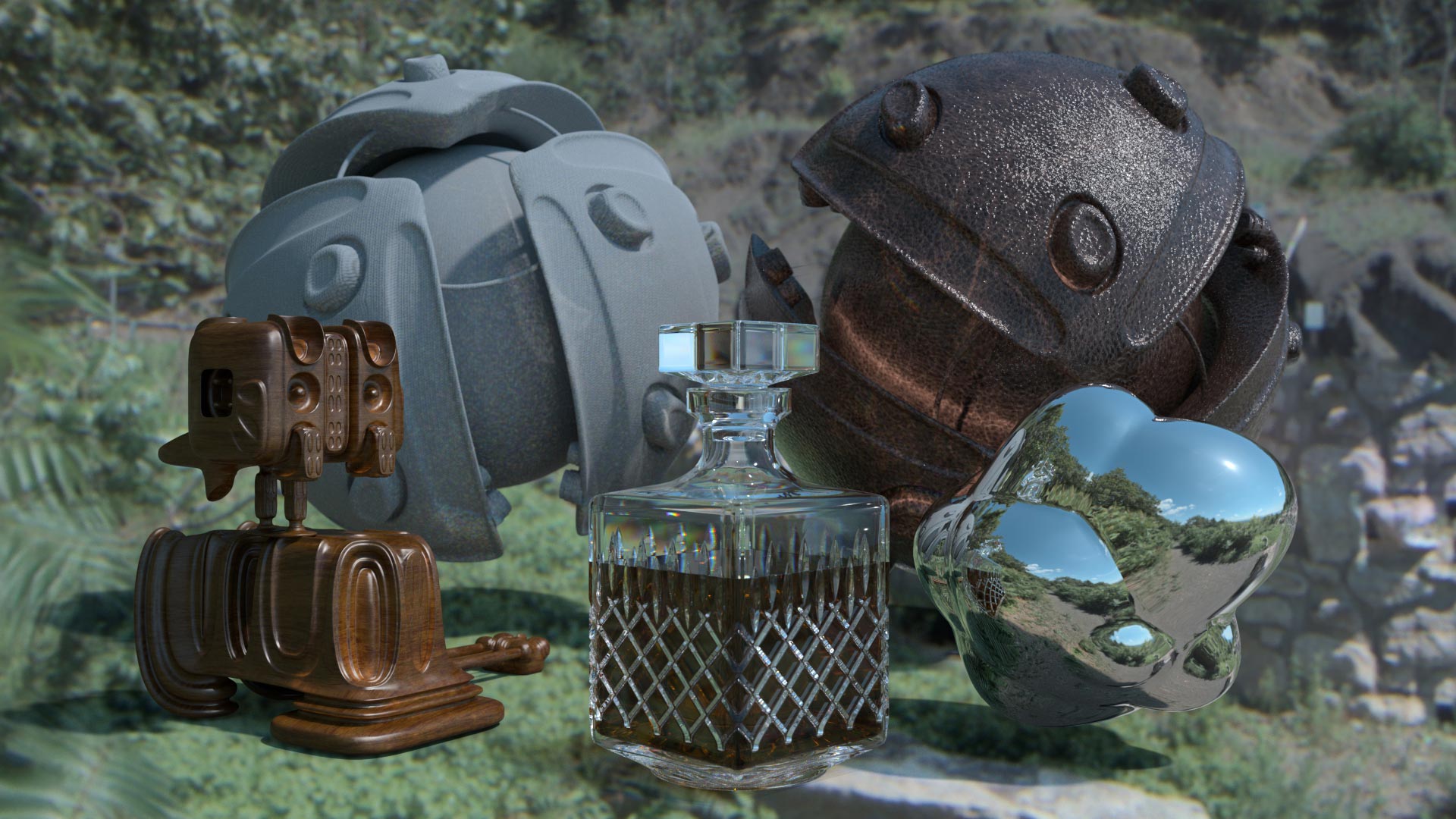
3 Day SALE!

Posted in Cinema4D Misc, Cinema4D MoGraph, News on April 26th, 2010 by Tim

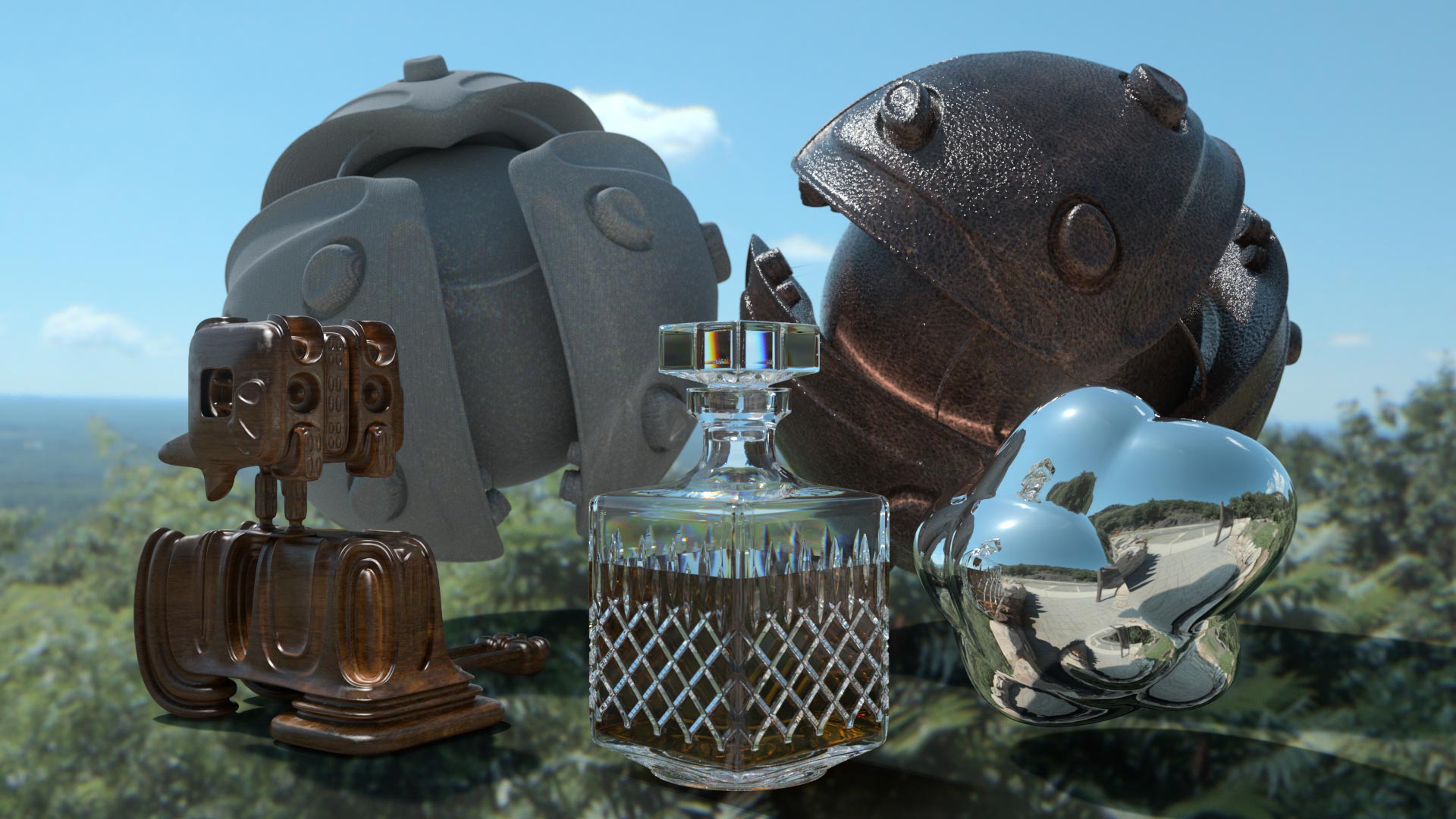
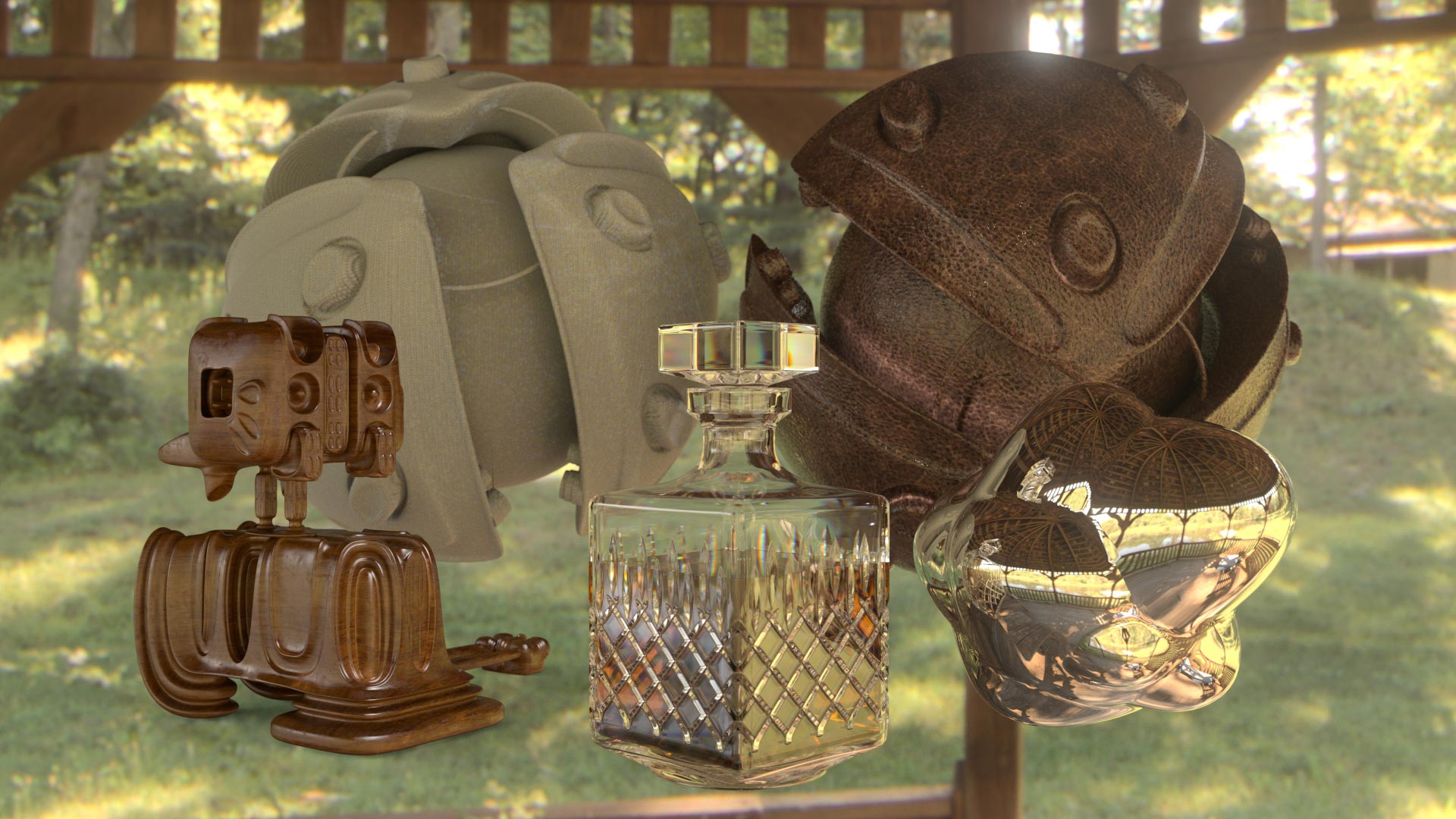
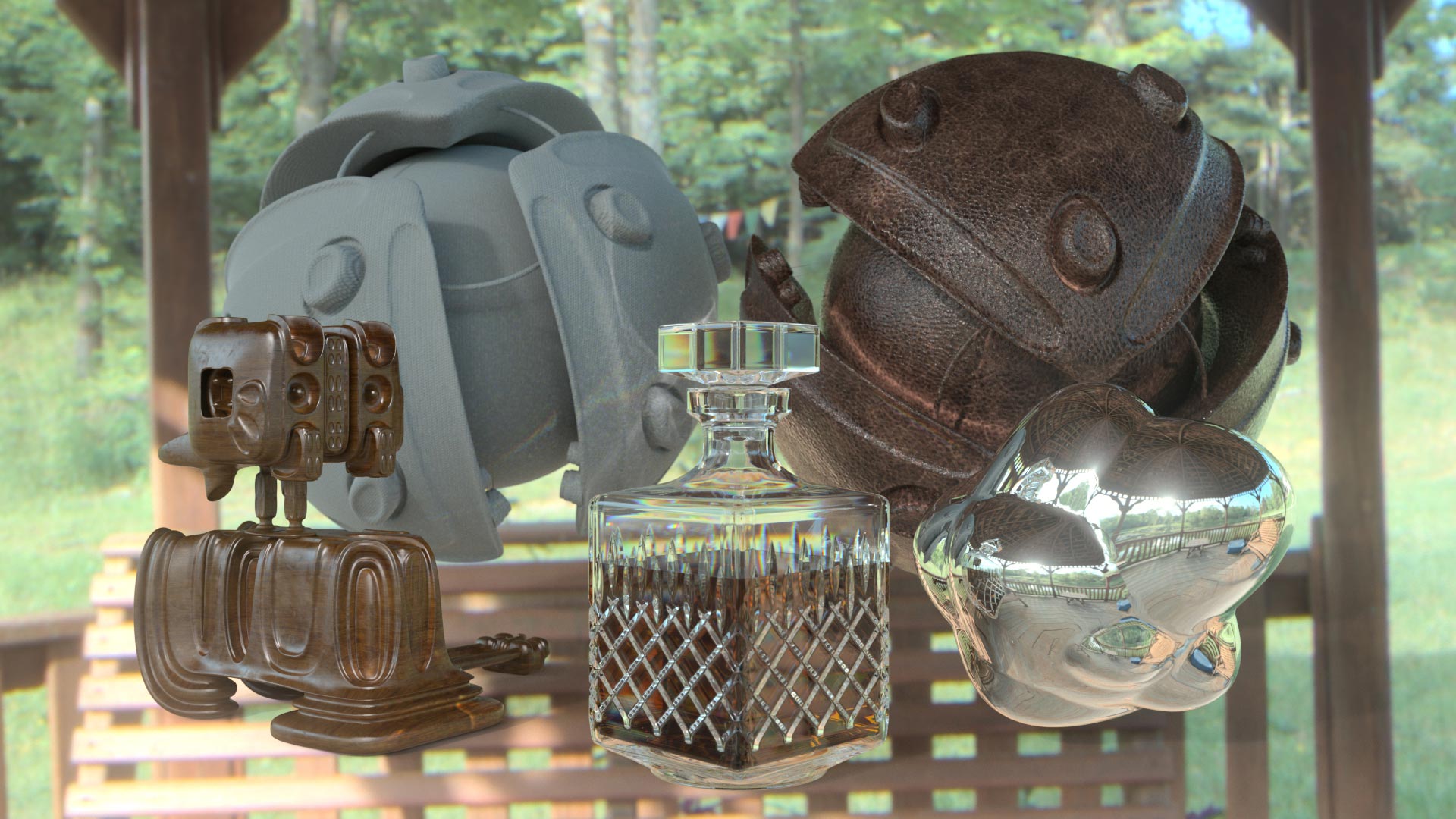
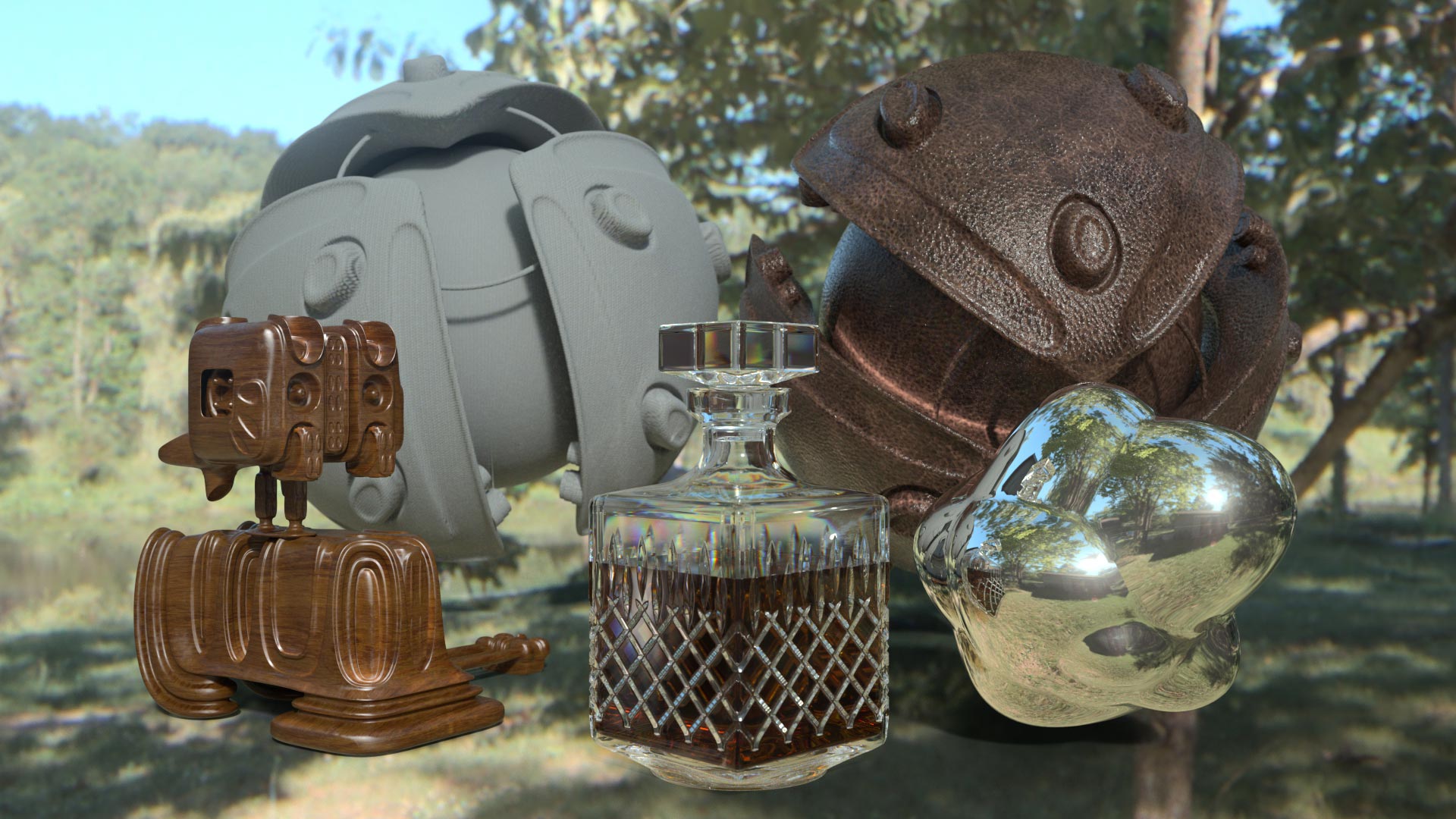
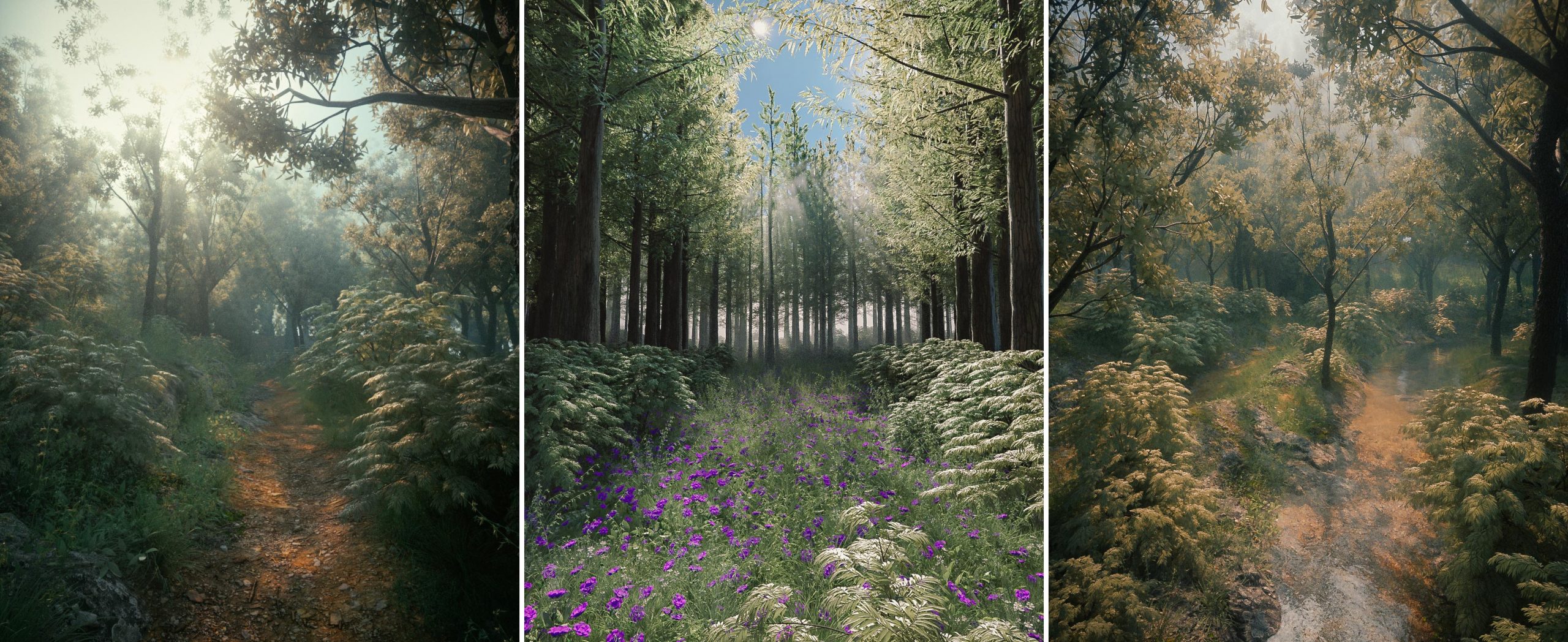
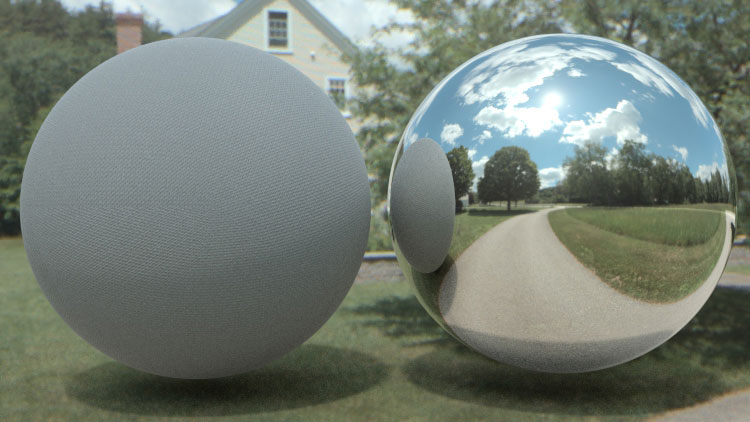
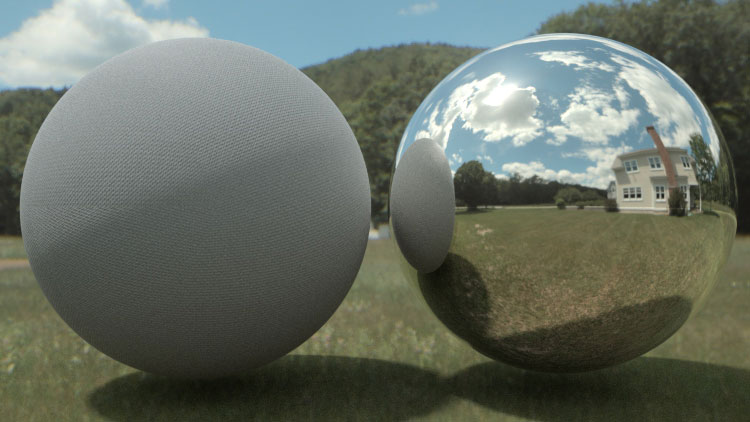
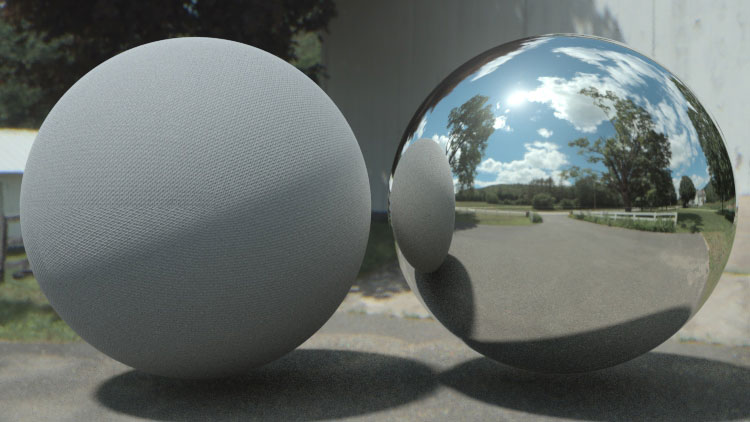
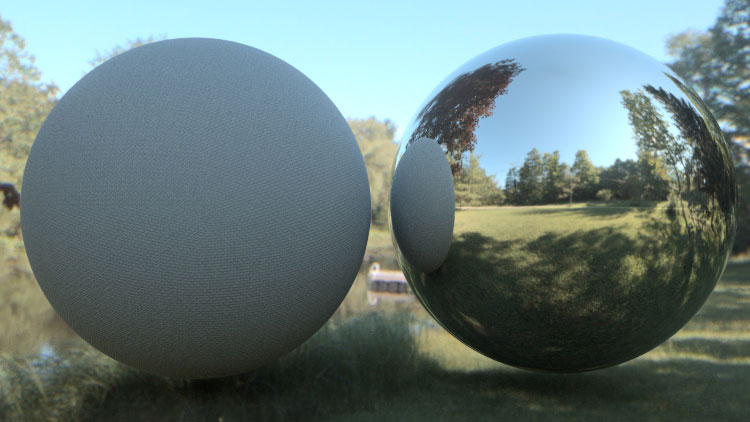
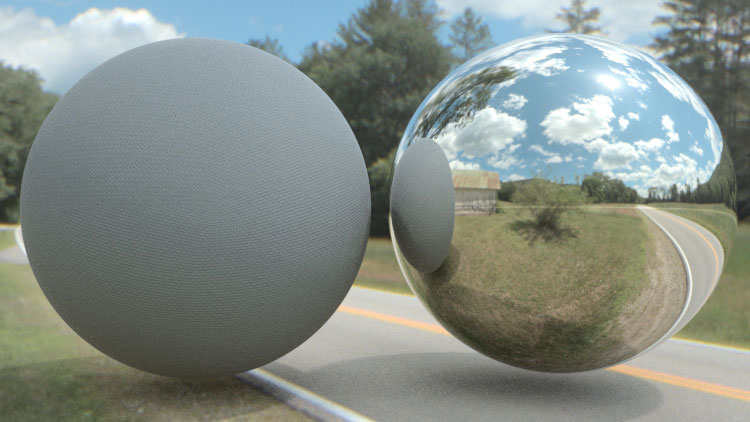
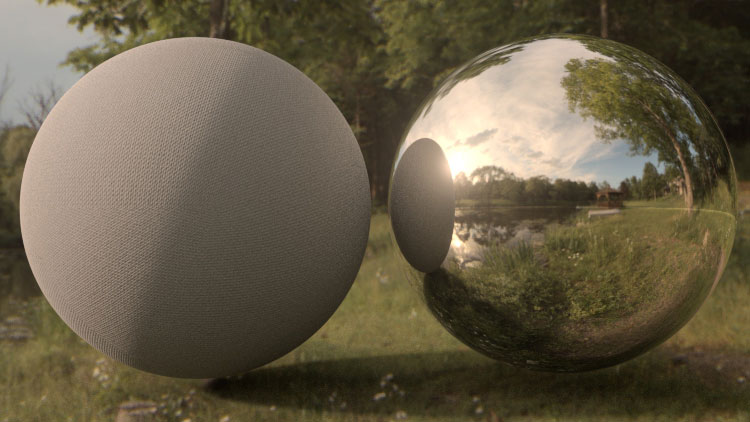
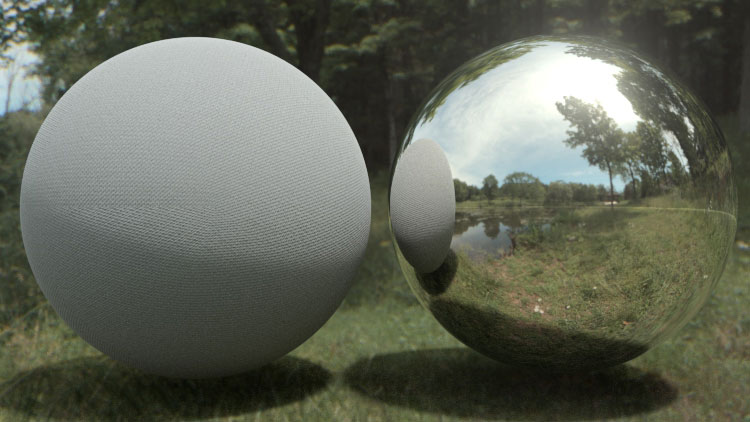
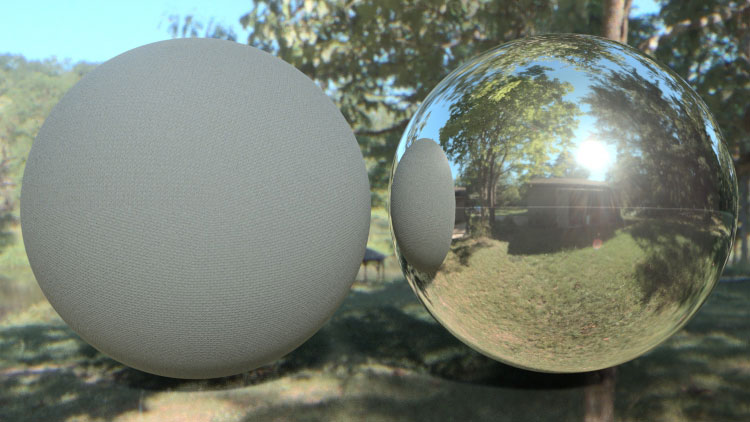
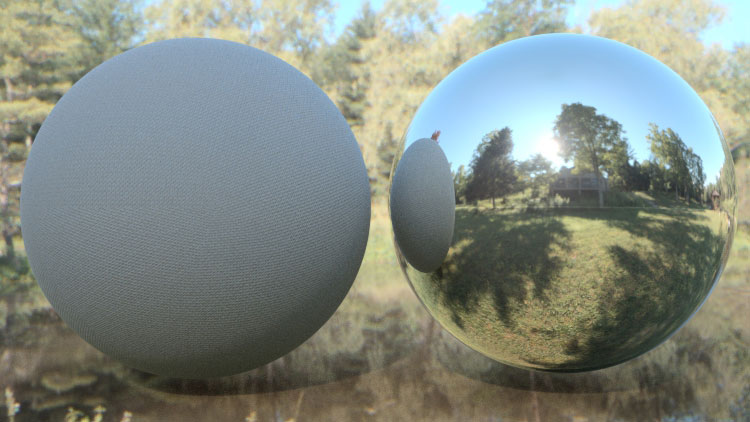
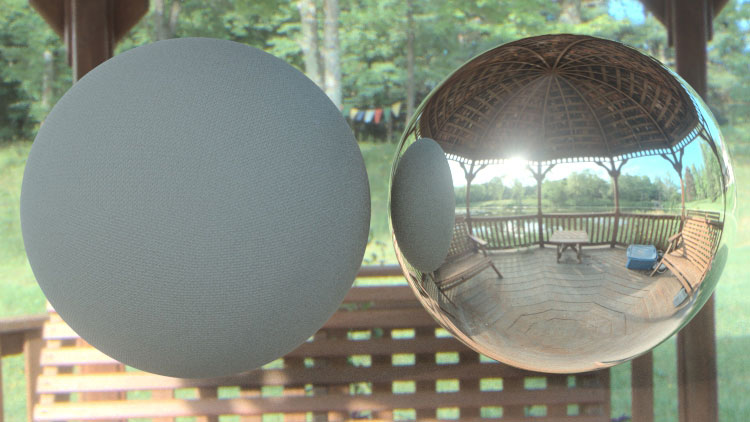
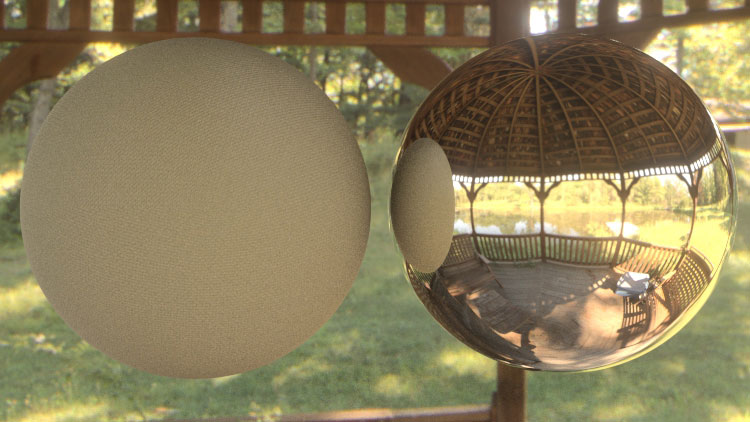
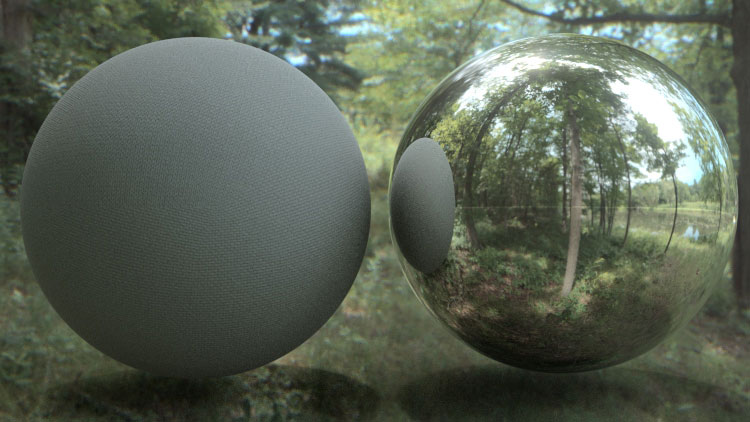
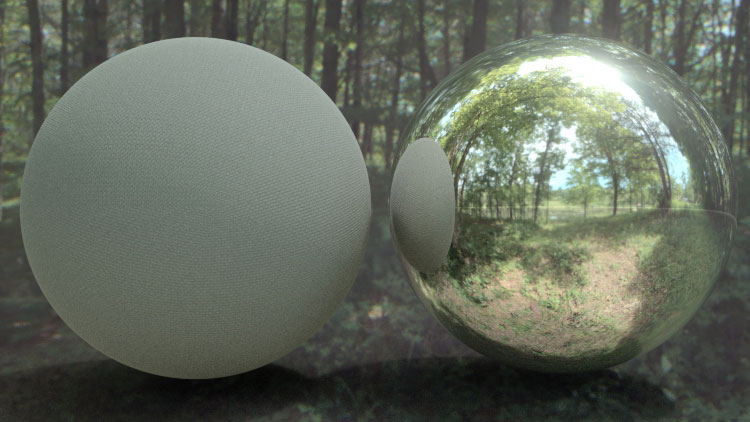
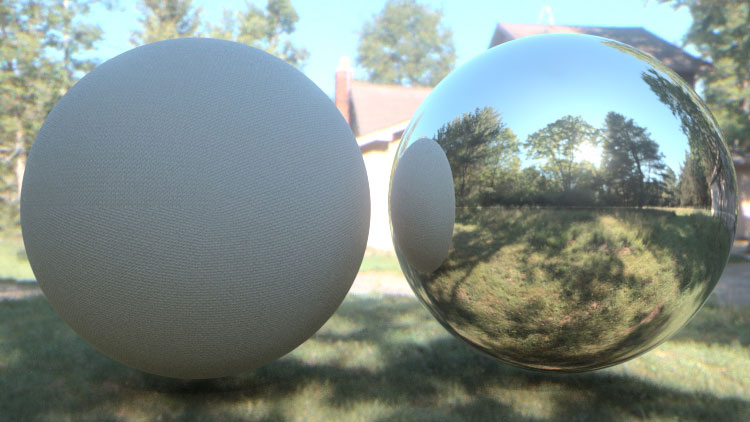
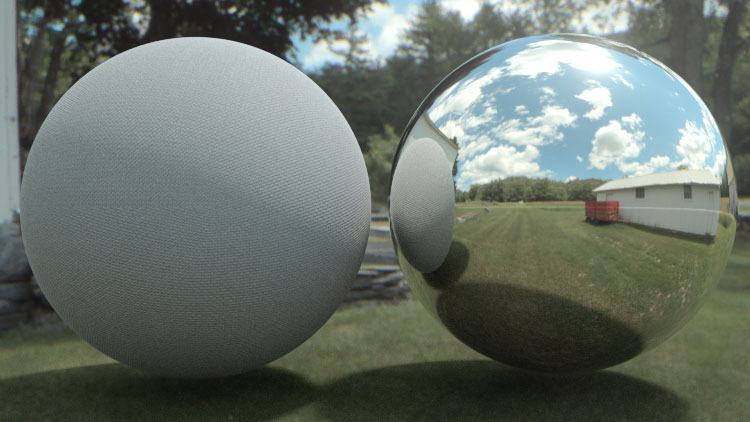
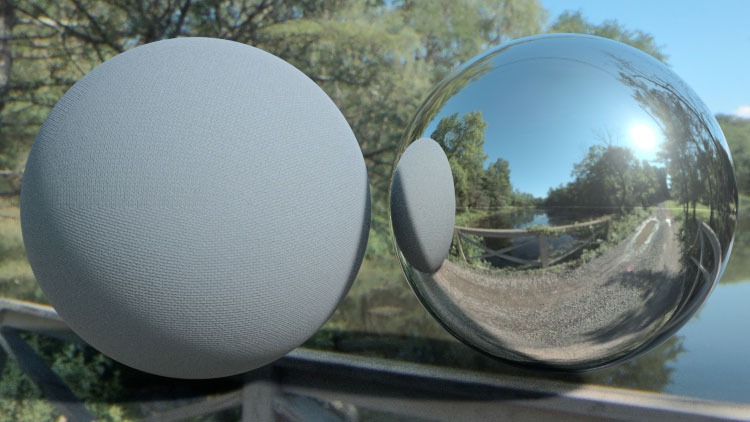
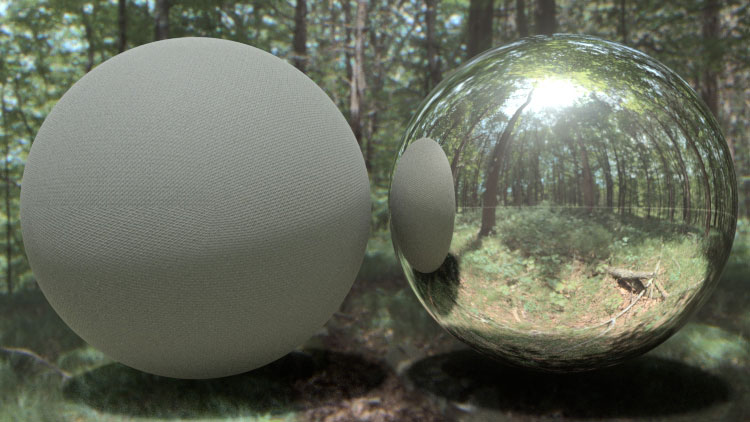
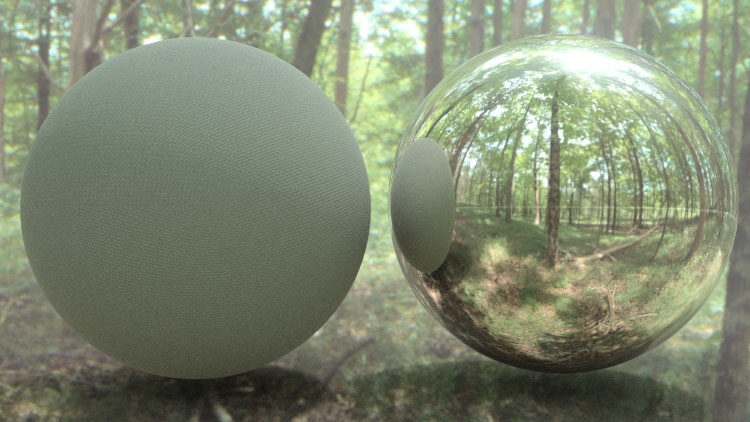
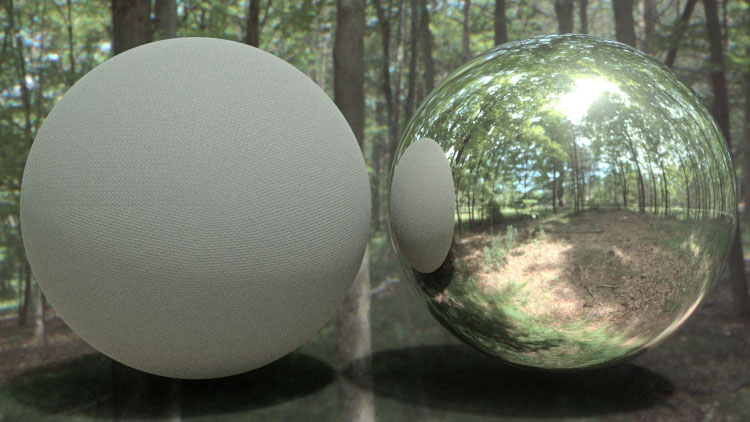
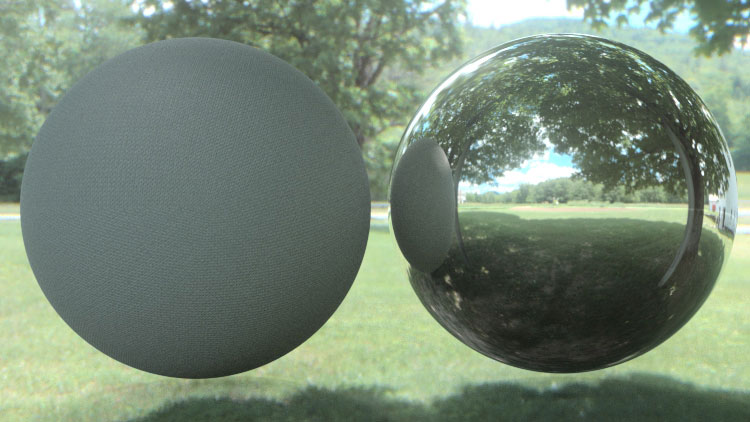
Making It Look Great 7 and HDRI Light Kit Pro are now available in a THREE day sale.

For only 3 days, Motionworks and Greyscalegorilla are getting together to bring you a bundle designed to help you get the most out of Cinema 4D. Learn real-world Cinema 4D MoGraph techniques and workflows with MILG07 and light your scene with realistic lights and studios with the HDRI LightKitPro.

Get both of these products for only $129 which is over 20% off. This bundle will expire this Wednesday, April 28th. Watch your mograph skill set jump and your lighting shine with the Making It Look Great 7 and HDRI LightKitPro Bundle.

Buy The Bundle Now

Learn More about HDRI LightKitPro

Learn More about MILG7

Tags: , , , , , , ,

Greyscale Gorilla releases HDRI Light Kit Pro

Posted in Cinema4D Misc, News on March 11th, 2010 by Tim

Recently released from Greyscale Gorilla.

Real Studio Lights for Cinema 4D
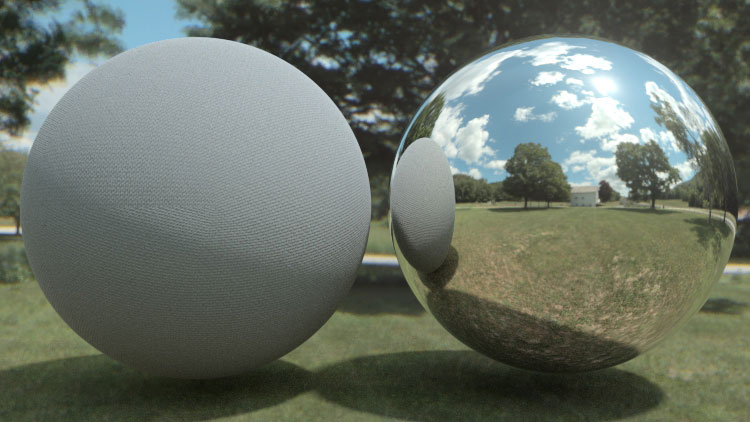
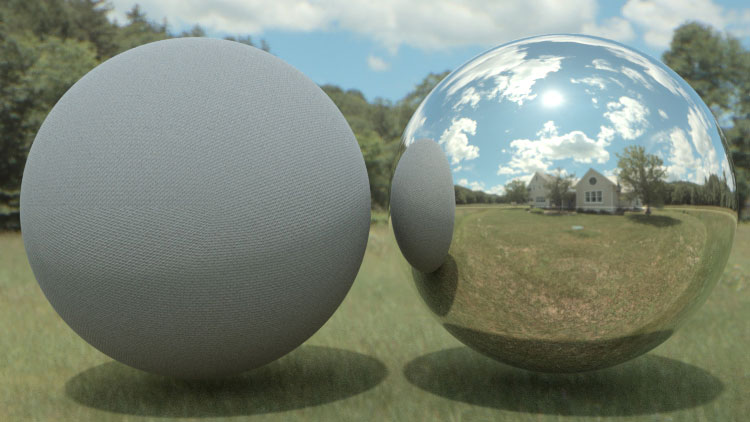
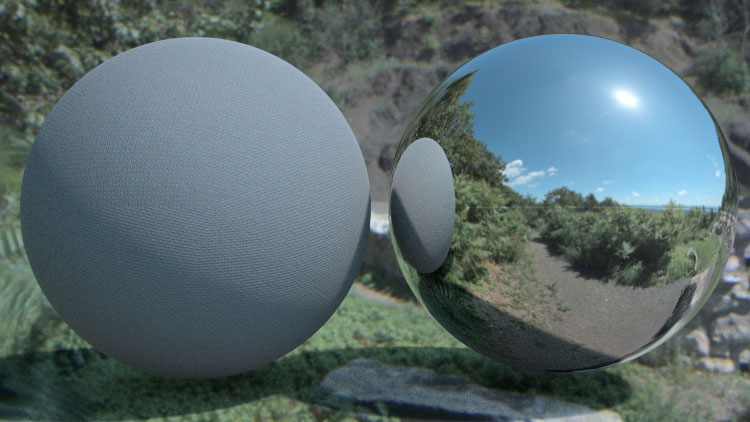
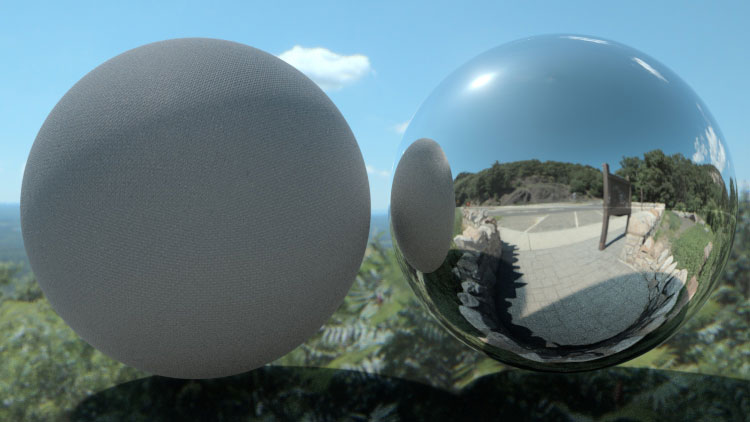
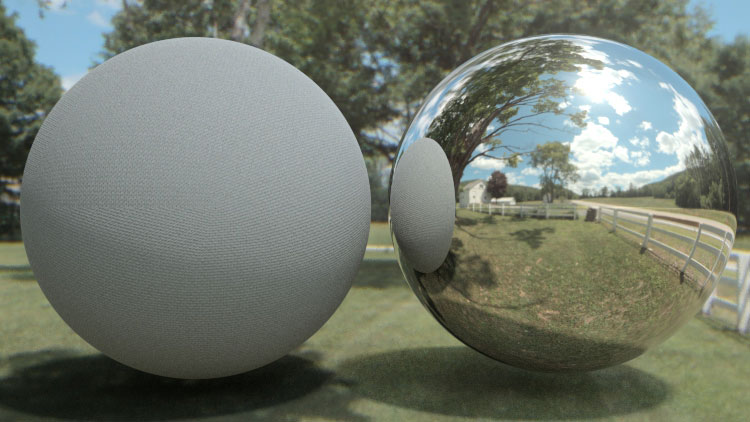
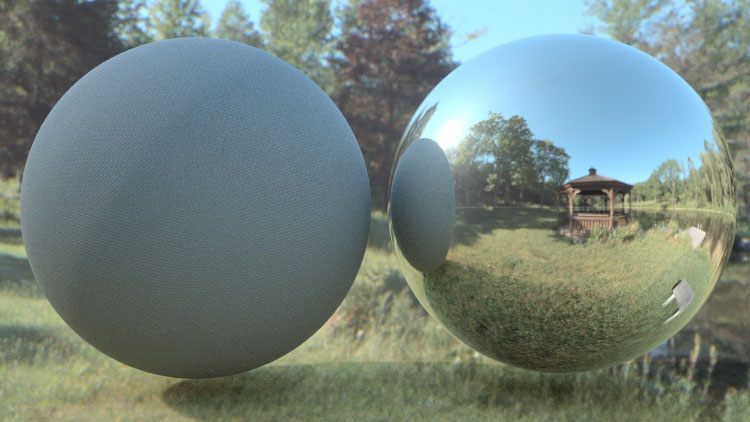
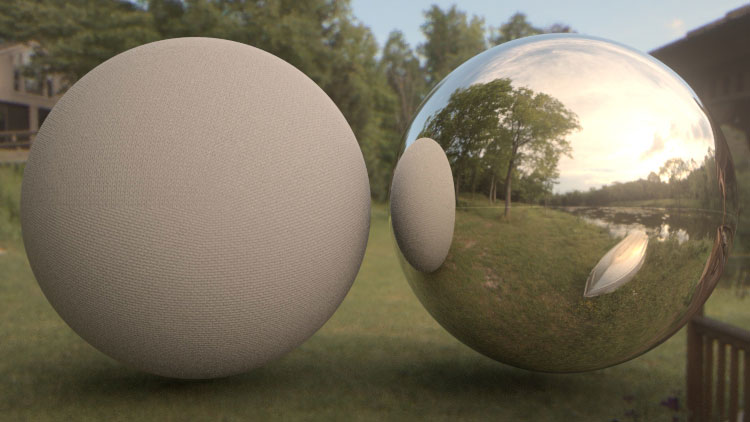
HDRI Light Kit Pro turns Cinema 4D into a professional lighting studio. Quickly light your scene with realistic lights directly in Cinema 4D.

What is it?
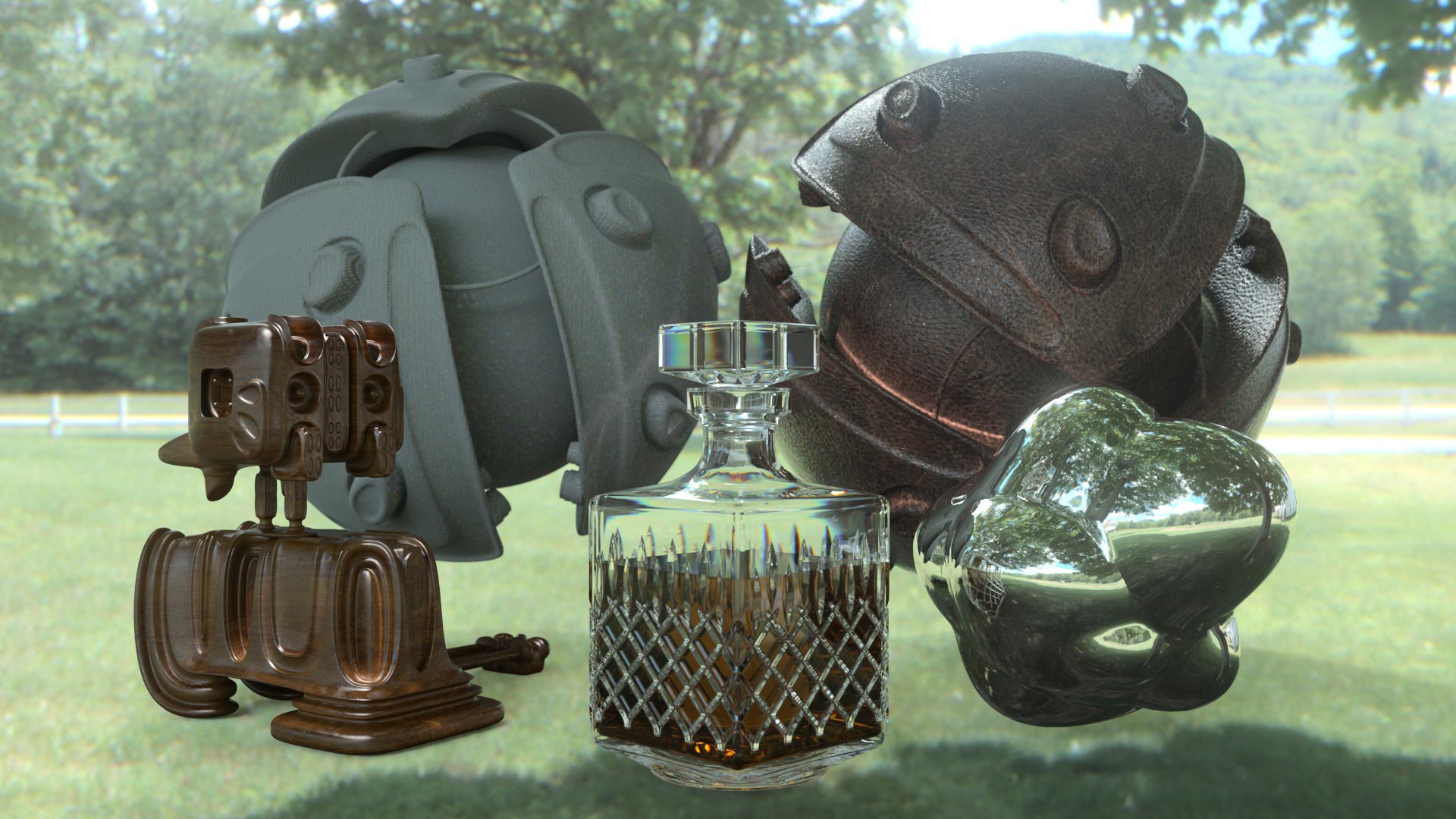
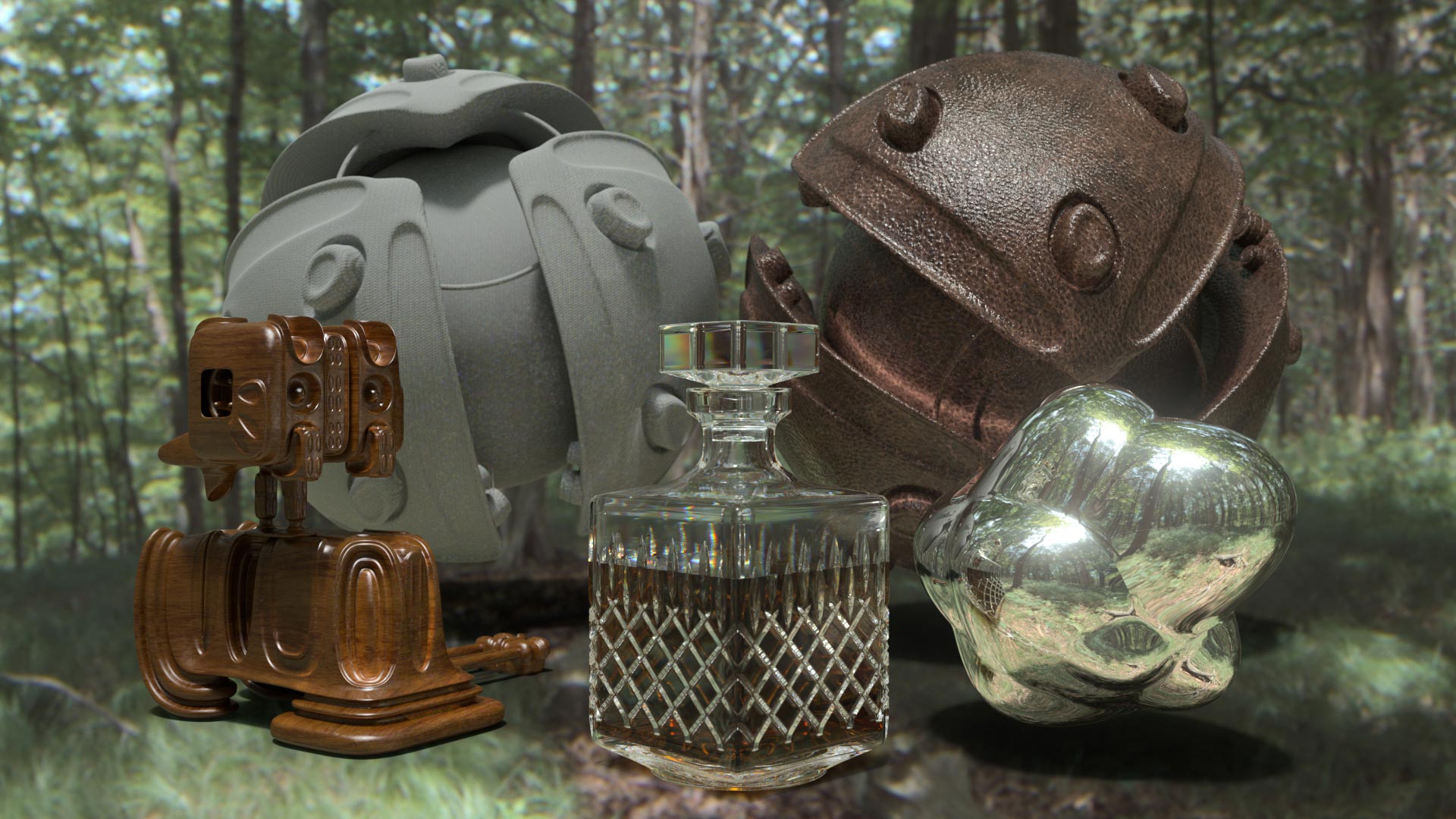
HDRI Light Kit Pro is a collection of lights, studios and objects that lets you quickly light your scene with realistic soft boxes, spotlights, ring lights and more.

What’s Included?
10 Light Types
including, soft boxes, ring-lights, spotlights, light tents, dome lights, window lights and more.

2 Hours of Video Training
including a bonus “How to Make your Global Illumination Renders Shine” tutorial.

10 Hi-Resolution HDR Images
to instantly light your scene with photo-real light.

6 Studios Pre-Lit
Just add your models and hit render for perfect, studio-lit renders.

6 Test Models
to use to help light your scenes.

Visit Greyscale Gorilla for all the details.

Tags: , , ,

Converting HDR Images to Spherical Maps

Posted in Cinema4D Misc on April 16th, 2009 by Tim

We all know that HDR Images produce superior reflections when used as environment maps.

However a lot of HDRIs are supplied in formats that are not specifically shaped to be optimal for spherical mapping.

They often are created using the popular probe method, or alternatively, you might have some that have been generated using the cross method.

You can see an example of such formats below.

HDRI Cross Format

HDRI Probe Format

Well luckily for us, Cinema4D comes with some tools to take these formats and convert them into the more usable spherical map.

If you go to the Render Menu and scroll down, you’ll see two entries.
Convert HDR Cross…
Convert HDR Probe…

Cinema4D Render Menu

Cinema4D Render Menu

Well it is really as simple as selecting the command, then choosing the appropriate HDRI.
Cinema will then perform the conversion and resave the HDRI in the same directory.  The Filename will have the addition of _con to show you that this is the converted file.

The Converted HDRI

The Converted HDRI

Happy HDRI-ing!

Tags: , , ,